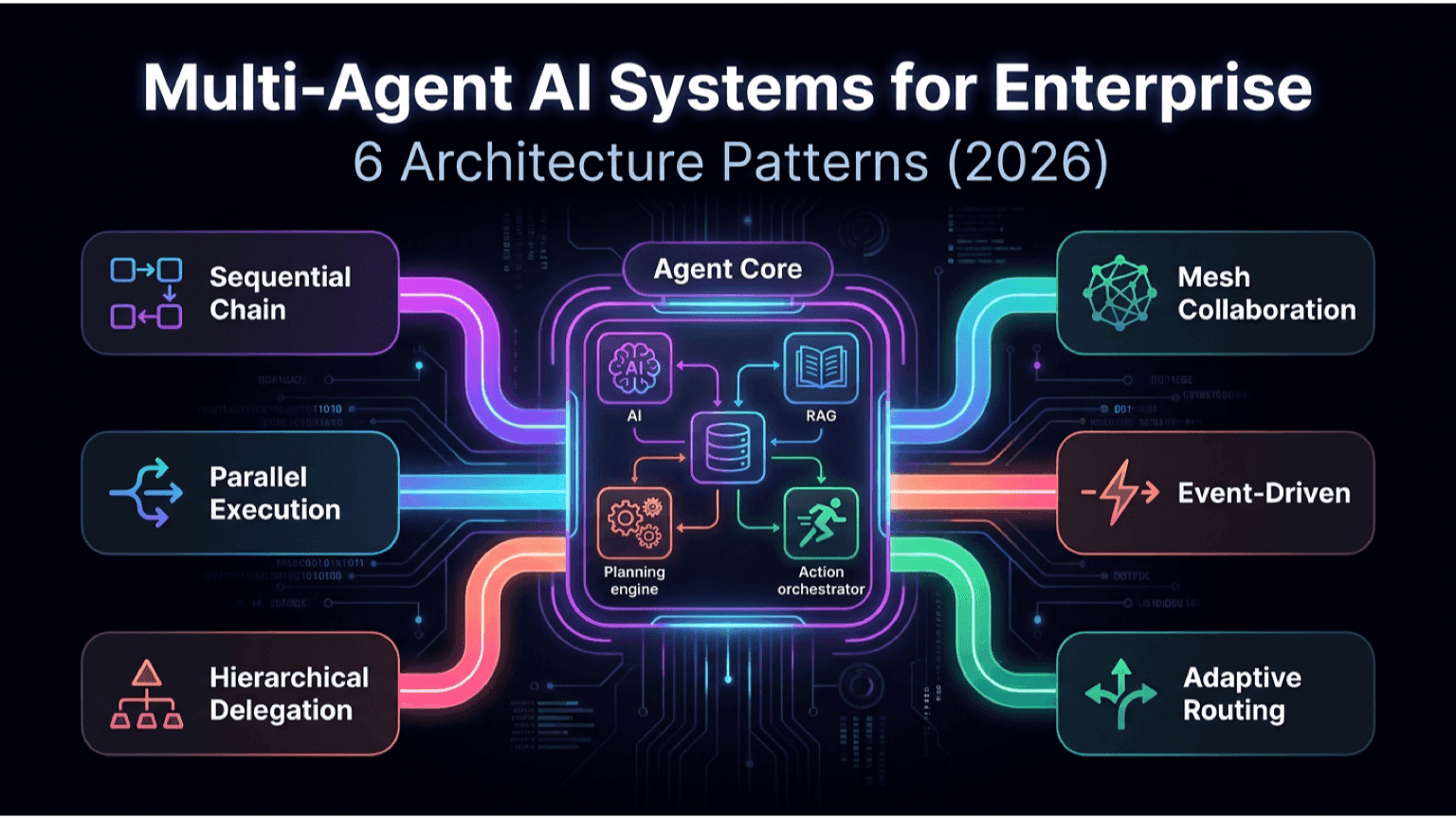
Multi-Agent AI Systems for Enterprise: 6 Architecture Patterns (2026)
The single-LLM-call architecture is the chassis of 2024 enterprise AI.
By the second half of 2026, that chassis is being replaced. The systems that actually work in production are multi-agent: several specialized AI components, each responsible for a narrow part of the workflow, orchestrated by a controller.
This isn't a fashion change. It's because single-call architectures fail predictably on real enterprise work: brittle on edge cases, opaque on failures, expensive on simple subtasks, slow on long workflows.
This article covers the six architecture patterns we see working in 2026 enterprise deployments, where each fits, where each breaks, and the choice between "build agents" and "use a framework."
These patterns come from work on Koordex, our AI operations layer, and from production deployments across client systems.
Why Multi-Agent Now
Three forces pushed enterprise AI past the single-call architecture in 2026:
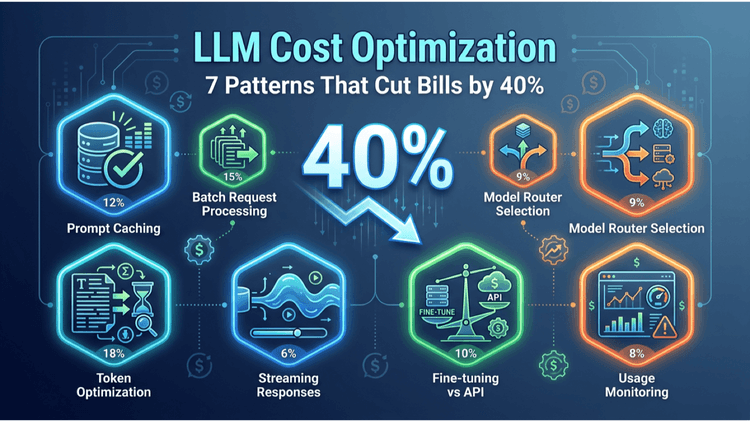
One. LLM costs forced specialization. Running a top-tier model on every query is unaffordable at scale. A router that dispatches to small specialized agents per task type cuts cost 40-70% without losing quality.
Two. Quality requires verification loops. A single LLM call can hallucinate confidently. A planner-executor-verifier architecture catches errors before they hit production.
Three. Real workflows are not single-shot. Customer support, document processing, RPA replacement, sales operations — these are multi-step workflows where each step has different requirements.
Once you have three or more agents, you have an architecture problem. The patterns below are the shapes that work.
Pattern 1: Router
The shape: A lightweight classifier or LLM call decides where to send each incoming request. Different agents handle different categories.
When it fits:
- Multi-tier query complexity (some queries are easy, some are hard)
- Multi-vendor LLM strategy (route to cheapest model that can handle each query)
- Multi-skill workflows (sales queries vs. support vs. billing)
Failure mode: Router accuracy. If the router misroutes 10% of queries, the downstream agents get inputs they can't handle. Mitigate with confidence scores and fallback paths.
Example: A customer support automation routes 67% of tickets to a fast, cheap general agent. 25% go to a specialized refund agent with access to billing systems. 8% escalate to a human handoff agent that summarizes the ticket for the agent.
Internative reference: Koordex implements router as its core dispatch pattern.
Pattern 2: Planner-Executor
The shape: A planner agent breaks down a complex request into steps. An executor agent (or several) executes each step. Sometimes a re-planner monitors progress and adjusts.
When it fits:
- Workflows that take 3-15 steps end to end
- Tasks where steps have dependencies (do A before B)
- Use cases where the path varies based on intermediate results
Failure mode: Plan drift. Long plans accumulate small errors. Mitigate with verification between steps and a re-planner that can abort and restart.
Example: Sales research automation. Planner agent: "Research this lead, find their tech stack, identify decision-makers, draft personalized outreach." Executor agents handle each step. Re-planner adjusts if a step fails (e.g., LinkedIn is rate-limiting; pivot to web search).
Pattern 3: Tool-Using Agent
The shape: A single agent with access to a toolbox (APIs, databases, code execution, web search). The LLM decides which tool to call when.
When it fits:
- Tasks that need real-world data or actions
- Workflows where the action set is well-defined but the sequence varies
- Cases where the agent needs to "show its work" through tool calls
Failure mode: Tool selection accuracy. Models still pick wrong tools occasionally. Mitigate with tool descriptions tuned for the model and a wrapper that validates tool calls.
Example: An ops agent that can: query the database, send Slack notifications, create Jira tickets, run small scripts, look up customer history. It picks the right combination per request.
Standard interface: MCP (Model Context Protocol) is becoming the dominant standard for exposing tools to LLM agents in 2026.
Pattern 4: Critic / Verifier Loop
The shape: A primary agent produces output. A second critic agent reviews it. Output goes to the user only if the critic passes; otherwise it loops back for revision.
When it fits:
- High-stakes outputs (legal, financial, medical, regulated)
- Use cases where errors are expensive (customer-facing copy, code generation)
- Cases where ground truth is checkable (math, structured output validation)
Failure mode: Cost doubles per query (two LLM calls minimum). Mitigate with cheap critic models and short verification prompts.
Example: Code generation agent. Primary agent writes the code. Critic agent runs it in a sandbox, reads the test output, and either signs off or sends specific failure feedback back to the primary.
Pattern 5: Hierarchical / Manager-Worker
The shape: A manager agent owns the goal. Worker agents own subtasks. The manager delegates, collects results, decides next moves.
When it fits:
- Multi-domain workflows (sales + engineering + finance touch the same task)
- Large workflows where decomposition is non-obvious
- Cases where different specialists need to collaborate
Failure mode: Coordination overhead. Manager agents that over-delegate spend more time on coordination than on work. Mitigate with clear task boundaries and limits on manager-to-worker call depth.
Example: Procurement automation. Manager agent owns "buy laptop for new hire." Workers: inventory check, vendor selection, budget approval, order placement, onboarding sync. Manager coordinates and reports.
Pattern 6: Swarm / Parallel Sampling
The shape: Multiple agents work on the same problem in parallel. A judge agent picks the best output, or outputs are merged.
When it fits:
- Creative or open-ended generation (multiple angles improve the final)
- Cases where you can afford the parallel compute cost
- Tasks where verifying which output is best is cheaper than producing the best output
Failure mode: Cost. Five agents in parallel costs 5x. Only worth it when output quality matters more than cost.
Example: Marketing copy generation. Five agents produce candidate headlines independently. A judge agent ranks them on brand voice, click-through prediction, and clarity. Best one wins.
The Comparison Table
Pattern | Complexity | Cost | Best For
Router | Low | Saves cost | Multi-skill, multi-tier workloads
Planner-Executor | Medium | Medium | Multi-step workflows with dependencies
Tool-Using Agent | Medium | Medium | Real-world action workflows
Critic Loop | Medium | 2x cost | High-stakes outputs
Hierarchical | High | Medium-High | Large, multi-domain workflows
Swarm | High | 3-5x cost | Quality-critical creative work
How to Pick
The question is rarely "which one." Real systems combine multiple patterns:
- Router on top to send each request to the right pipeline
- Planner-Executor inside complex pipelines
- Critic loops on high-stakes outputs
- Tool-using agents wherever real-world action is needed
- Hierarchical structures for the largest workflows
In Koordex deployments, a typical production architecture has 3-5 of these patterns layered.
Build vs Framework Question
In 2025, the answer was "build it yourself, frameworks aren't ready."
In 2026, the answer is more nuanced:
- LangGraph: production-ready for planner-executor and hierarchical patterns. Good documentation. Used by serious teams.
- AutoGen (Microsoft): strong for multi-agent collaboration patterns. Solid but more opinionated.
- CrewAI: good for hierarchical/role-based teams. Easier to start with.
- OpenAI Swarm: lightweight, good for router patterns. Less robust than LangGraph for complex workflows.
- MCP (Model Context Protocol): the emerging standard for tool exposure. Use this for the tool-using-agent pattern regardless of which orchestration framework you pick.
Build-from-scratch is still right when:
- You need extreme custom control over routing logic
- You're building an AI ops layer as a product (Koordex)
- Your latency or cost budget is below what frameworks deliver
For most enterprise teams, the right answer is "use a framework, customize at the orchestration layer."
The Three Mistakes Most Teams Make
Mistake 1: Building a multi-agent system before validating single-agent doesn't work. Start with the simplest architecture that passes the eval. If single-agent + prompt engineering + RAG passes, ship that. Don't pre-optimize.
Mistake 2: No verification or critic layer on high-stakes outputs. Multi-agent systems that don't verify their own work just amplify the hallucination rate. The critic pattern is non-optional for anything user-facing in regulated industries.
Mistake 3: No observability between agents. When five agents are talking to each other and the output is wrong, you need to know which agent broke. Production multi-agent systems need tracing built in (LangSmith, Arize, Helicone, custom).
Five Questions to Resolve the Architecture
- How many distinct task categories does your workflow span? 1 — single agent. 2-3 — router. 4+ — hierarchical.
- How many sequential steps does a typical request involve? 1 — single call. 3-7 — planner-executor. 7+ — hierarchical with sub-planners.
- What's the stakes level? Internal tooling — skip critic loops. Customer-facing or regulated — critic loops mandatory.
- What's the real-world action surface? No external actions — pure LLM. External actions — tool-using agent + MCP.
- What's the cost budget per query? Tight budget — router-led. Quality-critical — accept higher cost with critic or swarm.
Related Reading
- RAG vs Fine-tuning vs Prompt Engineering: 2026 Enterprise AI Decision Guide
- LLM Cost Optimization: 7 Patterns That Cut Bills by 40%
- AI Strategy Roadmap: A 90-Day Framework for CTOs (2026)
- Custom Software ROI Calculation Framework (2026)
Next Step
If you're building multi-agent systems and want a second opinion on architecture, we run 30-minute design reviews where we look at your specific use case and recommend the right pattern combination.
Contact: team@internative.net or via internative.net.
Related services
Where this topic becomes an engagement.
Keep reading
More articles from Blog.