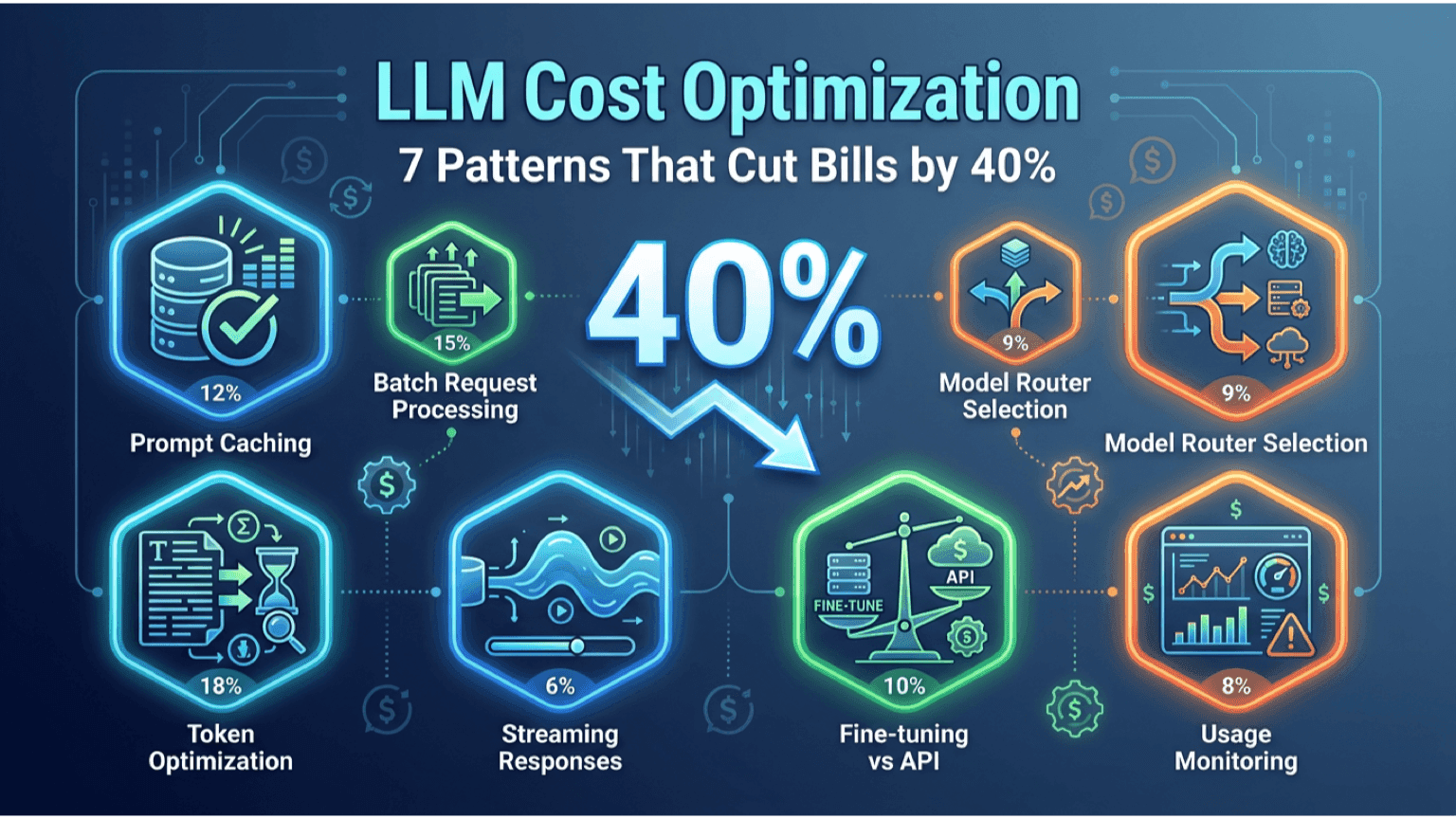
LLM Cost Optimization: 7 Patterns That Cut Bills by 40%
The CFO email arrives in month four.
"Our AI line item is up 380%. Is this the new normal?"
By 2026, every enterprise running production AI has hit some version of this conversation. Bills that started at $5K/month grew to $40K, then $120K, then "we need a meeting about this."
Most of that growth is real and necessary. AI usage is expanding because it's working. But typically 30-50% of that bill is waste: oversized models for simple tasks, cached responses being regenerated, prompts that could be 60% shorter, no router between vendors.
This article walks through the seven cost optimization patterns that consistently cut LLM bills 30-50% without losing output quality. They come from production work on Koordex (our AI operations layer) and from FinOps reviews we've run with client teams.
The Cost Structure You're Actually Paying
Before optimizing, understand what drives the bill:
- Input tokens (the prompt you send): typically 60-80% of cost in well-constructed systems
- Output tokens (what the model returns): typically 20-40%
- Model tier: GPT-4o is roughly 6x the cost of GPT-4o-mini. Claude Opus is roughly 5x Claude Sonnet. Gemini 1.5 Pro is roughly 12x Gemini Flash.
- Provider markup: rates differ 2-3x between providers for similar capability levels
Most teams optimize output tokens (which barely matter). The 7 patterns below attack the actual drivers.
Pattern 1: Model Routing (Biggest Single Lever)
Don't use the same model for every query. Build a router that sends each query to the cheapest model that can handle it.
Implementation:
- Classify queries into 3-5 tiers based on complexity
- Route tier 1 (simple) to cheap fast models (Gemini Flash, GPT-4o-mini, Claude Haiku)
- Route tier 2 (medium) to mid-tier (Sonnet, GPT-4o, Gemini Pro)
- Route tier 3 (complex reasoning) to top tier (Opus, GPT-4.5, Gemini Ultra)
Real example: An e-commerce client running 600K queries/month. Pre-router: 100% GPT-4o, $48K/month. Post-router: 67% Gemini Flash, 25% Claude Sonnet, 8% GPT-4o. New bill: $30K/month. Quality (measured via held-out eval) went UP because each model handled what it's good at.
Typical savings: 25-45%.
Pattern 2: Prompt Compression
Most production prompts are bloated. Reduce them without losing performance.
Tactics:
- Remove markdown formatting in system prompts unless the model needs it
- Remove redundant instructions ("be helpful, be accurate, be detailed" — pick one)
- Use shorter delimiters (XML tags or JSON over verbose natural language)
- Cut few-shot examples that aren't moving the needle (run A/B tests; usually 2-3 examples are as good as 6)
- Move static context to fine-tuned models or system prompts instead of regenerating per query
Real example: A customer support bot's prompt was 3,800 tokens. After compression: 1,200 tokens. Output quality identical on a 200-query eval set. Monthly cost dropped 32% with one change.
Typical savings: 15-30%.
Pattern 3: Prompt Caching (When Available)
Anthropic and OpenAI now both offer prompt caching: cache the first part of long prompts and pay 90% less for cached portions.
When it works:
- System prompts that are identical across requests
- Long context documents reused across queries (legal docs, product docs)
- Few-shot example libraries
When it doesn't:
- Highly variable prompts where caching hits are rare
- Workloads under cache TTL thresholds
Implementation: Move the stable parts of your prompt to the front (system prompt, examples, reference documents). Put the variable user input last. Enable caching in the API call.
Typical savings: 20-50% on workloads with high prompt overlap.
Pattern 4: Streaming Doesn't Save Cost — But Stops Customers from Burning It
Streaming responses doesn't reduce per-token cost, but it lets you implement early stopping — kill a response if the user closes the tab, the answer is clearly going wrong, or a guardrail triggers.
Implementation:
- Stream all production responses by default
- Implement client-side cancel-on-close
- Implement server-side cancel on guardrail violations
- Track "abandoned" generations as a category in your FinOps dashboard
Typical savings: 5-15%.
Pattern 5: Embedding Cache + Semantic Deduplication
If you're running RAG or any embedding-based workflow, cache embeddings aggressively.
Tactics:
- Cache embeddings for all documents (compute once, store forever)
- Cache embeddings for incoming queries with short TTL (1-24h depending on use case)
- Semantic deduplication: detect when a user query is similar to a recent query and return the cached response
Real example: A customer-facing AI assistant where 30-40% of queries were near-duplicates ("how do I cancel," "cancellation policy," "can I cancel my subscription"). Semantic caching at 0.92 similarity threshold cut LLM calls by 28%.
Typical savings: 10-30% depending on use case.
Pattern 6: Right-size Output
Models will write 2,000 tokens when 200 would have answered. Force them to be concise.
Tactics:
- Set
max_tokensaggressively (200, 500, 1000 — not 4000) - In the prompt, explicitly say "Answer in under 100 words" or "Bullet list, maximum 5 items"
- For structured outputs, use JSON mode and constrain the schema (no extra fields, no nested narratives)
Common mistake: Setting max_tokens too high "just in case" and letting the model use it.
Typical savings: 10-20%.
Pattern 7: Fine-tuning at Volume Crosses Over
Above roughly 1M queries/month with consistent task structure, fine-tuning a smaller model becomes dramatically cheaper than calling GPT-4 with long prompts.
Math:
- GPT-4o on a 3,000-token prompt: $0.0075/query × 1M = $7,500/month
- Fine-tuned GPT-4o-mini on the same task with 500-token prompt: $0.0001/query × 1M = $100/month + amortized $5K-$50K training cost
- Break-even: roughly 2-3 months at 1M queries
Caveat: Only worth it for tasks that are stable and high-volume. Don't fine-tune for a feature that might change in 3 months.
Typical savings: 80-95% per query for high-volume narrow tasks.
How These Compound
A real Koordex deployment optimization sequence:
- Month 0: Single-model architecture, GPT-4o on everything. $48K/month.
- Month 1: Added router (Pattern 1) + max_tokens (Pattern 6). New bill: $32K (-33%).
- Month 2: Added prompt compression (Pattern 2) + prompt caching (Pattern 3). New bill: $24K (-50% from baseline).
- Month 3: Added semantic deduplication (Pattern 5). New bill: $20K (-58% from baseline).
- Month 6: Fine-tuned the highest-volume task (Pattern 7). New bill: $14K (-71% from baseline).
The savings compound. Each pattern is independent and stackable.
What to Measure (FinOps for AI)
You can't optimize what you don't measure. Minimum dashboard:
- Cost per query, segmented by model
- Cost per query, segmented by use case
- Average prompt length and output length, trended weekly
- Cache hit rate (if using caching)
- Router distribution (what % of queries hit which model)
- Quality score per route (A/B vs. baseline)
Most enterprises don't track these and find out about cost issues from the CFO email instead of their own dashboards.
The Three Mistakes Most Teams Make
Mistake 1: Optimizing output tokens. Output is 20-40% of cost. Input is 60-80%. Focus there first.
Mistake 2: Switching providers without a router. "We're moving to Claude because it's cheaper" — for some queries. For others it's more expensive. Without a router, you're trading one suboptimal monoculture for another.
Mistake 3: Premature fine-tuning. Don't fine-tune at 10K queries/month. The math doesn't work and you're locking in a model that might be wrong in 6 weeks. Routing + compression + caching first.
Five Questions to Resolve Where You Should Optimize First
- What's your monthly bill? Under $5K — not worth optimizing yet, focus on quality. $5K-$50K — patterns 1, 2, 6. $50K+ — all patterns become worth implementing.
- What's the model distribution today? If 100% on one model, you have routing waste. Implement Pattern 1 first.
- What's your average prompt length? If over 2,000 tokens, you have compression waste. Implement Pattern 2.
- What % of your queries are repeat or near-duplicate? If over 20%, semantic caching is the highest-ROI pattern (Pattern 5).
- What's your most expensive single use case? If it's high-volume and stable, evaluate fine-tuning (Pattern 7).
Related Reading
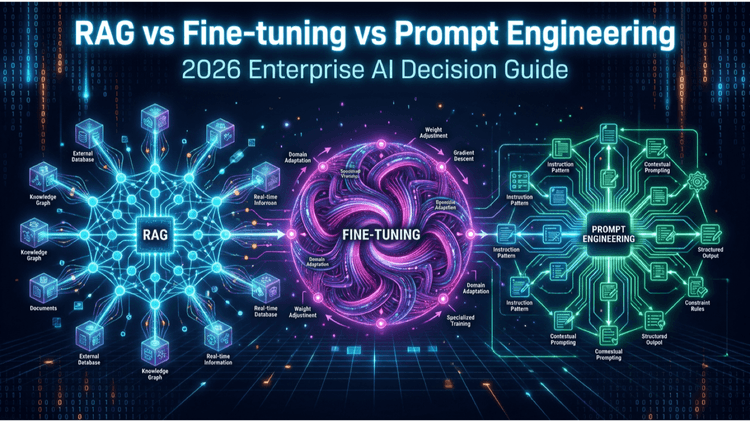
- RAG vs Fine-tuning vs Prompt Engineering: 2026 Enterprise AI Decision Guide
- Multi-Agent AI Systems for Enterprise: 6 Architecture Patterns (2026)
- AI Strategy Roadmap: A 90-Day Framework for CTOs (2026)
- Custom Software ROI Calculation Framework (2026)
Next Step
If you're running production AI and the bill is climbing, we offer a 30-minute FinOps review where we look at your current spend, suggest the 2-3 highest-ROI patterns to implement first, and project the savings.
Contact: team@internative.net or via internative.net.
Related services
Where this topic becomes an engagement.
Keep reading
More articles from Blog.